Theme development · · 4 min read
Shopify custom theme vs paid theme: when to switch
A paid Shopify theme is the right way to start. A custom theme wins long term. How to tell your paid theme has already gone custom, and what to do next.
By Nikita Ahapov · Updated
For the past few weeks I keep seeing the same question in my feed. Should a founder pick a custom theme or a paid theme?
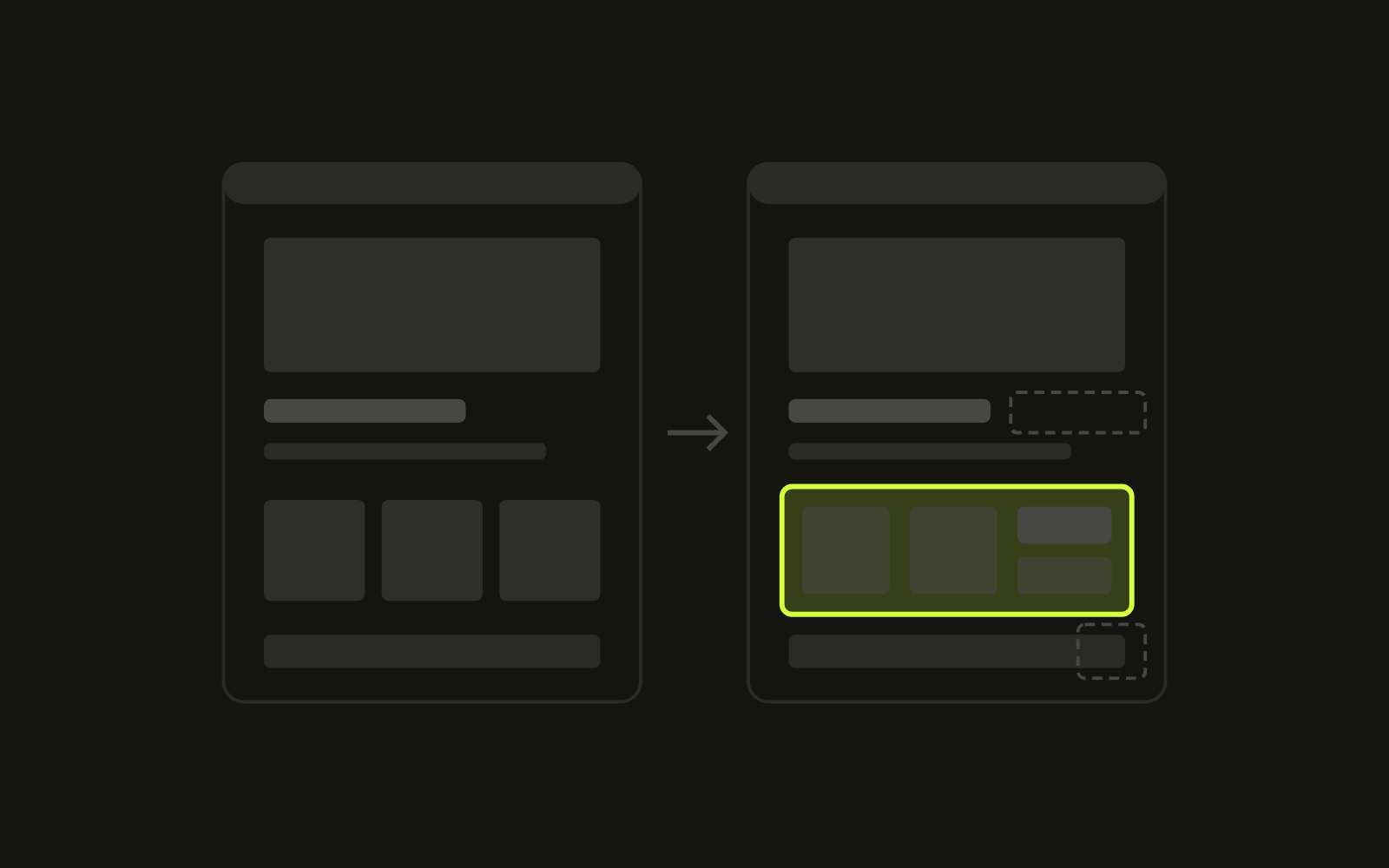
My answer is both, in that order. A paid theme to start. A custom theme once the store outgrows it. And the part most people miss: a paid theme turns into a custom theme anyway. The only question is whether that happens on purpose.
Why a paid theme is the right start
The Shopify Theme Store lists more than 1,300 themes, and you can filter the list down to what fits your niche. (Shopify Theme Store)
You do not have to buy blind. Shopify lets you preview up to 19 paid themes at the same time before you pay. A purchase is licensed to the store you bought it for, and support and updates come from the theme developer, not from Shopify. (Shopify Help Center)
The logic is simple. Set up the content, hit publish, you are live. Then you get back to the things that matter when you are starting a brand: the product, the first customers, the marketing. Spending months on a custom build before you have sold anything makes no sense.
Why every paid theme ends up custom
Customization is unavoidable. Every merchant hits it.
It starts small. A block the theme does not have. A product page layout that almost works. A section that needs one more setting. Then come the apps, and some of them write into your theme code on their own. Shopify counts those as code changes too, exactly like the edits a developer makes by hand. (Shopify Help Center) When you remove those apps later, the code often stays behind. I wrote about that in Shopify apps still loading after you turn them off.
Long term, the features you need go beyond what the paid theme was built for. As you grow, your theme has to grow with you.
The update trap
This is where the in between state starts to hurt.
Themes installed from the Theme Store can be updated from the admin. Shopify carries your code edits into the new version only when they do not conflict with it. If they do, the theme card says “code edits could not be included”, and you have to copy them over yourself. Shopify suggests saving a copy of your customized code before you update, and using an app from the Shopify App Store to find what you changed. (Shopify Help Center)
So a heavily edited paid theme gives you the worst of both. You paid for updates you cannot apply cleanly, and you own custom code nobody planned.
How to check where your store is
- In the admin, go to Online Store, Themes, and see whether an update is waiting for your live theme. If it has been waiting for months because nobody dares to apply it, that is your answer.
- If you did update, look at the theme card. “Code edits could not be included” means your store is already custom in practice.
- Find out how much was changed. An app from the Shopify App Store can list the code changes on your theme, or a developer can compare your files against a clean copy of the same theme. Count the files that changed.
- List the apps that add blocks, snippets or scripts to your storefront. Each one is a small edit to a theme you no longer control.
- Write down the last three changes you wanted and could not make in the theme editor. If they are about how the store sells, not how it looks, the paid theme is holding you back.
How to fix it
You have three honest options.
- Keep the paid theme untouched. Use the theme editor and app embeds only, apply every update, and accept the limits. This is the right call for a new brand.
- Take ownership of the edits. Treat the theme as your code base. Keep a record of every change, work on a duplicate, test before you publish, and stop expecting one click updates.
- Go custom on purpose. Build the theme around how your customers buy, with the sections you actually use and nothing you do not.
The second and third options need a team. Design, development, CRO. One person can cover all three, but it takes full involvement in every one of those areas, and you already have a store to run.
What I do
My summary is short:
- A paid theme is great to start, and best kept untouched.
- A custom theme is better in the long term.
- A paid theme becomes a custom theme anyway.
So the choice is not really paid or custom. It is whether the custom work is done well or piled up by accident. What matters is the quality of doing.
When a store comes to me with an edited paid theme, I start by mapping every change against the original, then decide with the founder what to keep, what to rebuild and what to drop. Some of that work is on the work page. If your theme feels like it is fighting you, send me your store and I will tell you which of the three options fits.